
Download K8 School – online learning, homeschooling, virtual classroom, student success, academic support
Overview
K8 School is a fully accredited online institution designed to deliver a comprehensive educational experience for students from Nursery through Grade 8. The app serves as the mobile gateway to a structured, 100% online learning environment, enabling children to access curriculum, participate in live sessions, and engage with academic resources from any location. Its primary purpose is to provide a flexible and accessible alternative to traditional schooling, particularly beneficial for families seeking homeschooling options or those who require a customizable academic schedule.
The platform addresses common challenges in modern education, such as rigid timetables, limited access to quality instruction, and the need for personalized learning paths. By offering live teacher-led sessions and a globally recognized curriculum, K8 School ensures that students receive education that meets international standards while maintaining the convenience of remote learning. This makes it especially valuable for families in remote areas, those with non-traditional schedules, or those seeking supplemental academic support.
Target users include parents, guardians, and students in the K–8 age range who are looking for a reliable, structured, and affordable online education solution. The developer, K8 School, positions itself as a dedicated provider of digital learning tools, emphasizing academic integrity and student success. Although the developer did not provide additional technical details about its background or organizational structure, the app’s accreditation status underscores its legitimacy in the education technology space. The integration of real-time interaction and performance tracking tools further strengthens its role in the digital learning ecosystem.
Key Features & Functionality
- Affordable Education: K8 School offers a cost-effective learning solution, making quality education accessible to families across various financial backgrounds. This feature removes a major barrier to entry for many households seeking alternative schooling options.
- Flexible Learning Environment: Students can access classes and materials anytime, allowing them to learn at their own pace. This is particularly useful for families managing multiple commitments, enabling education to adapt to life rather than the other way around.
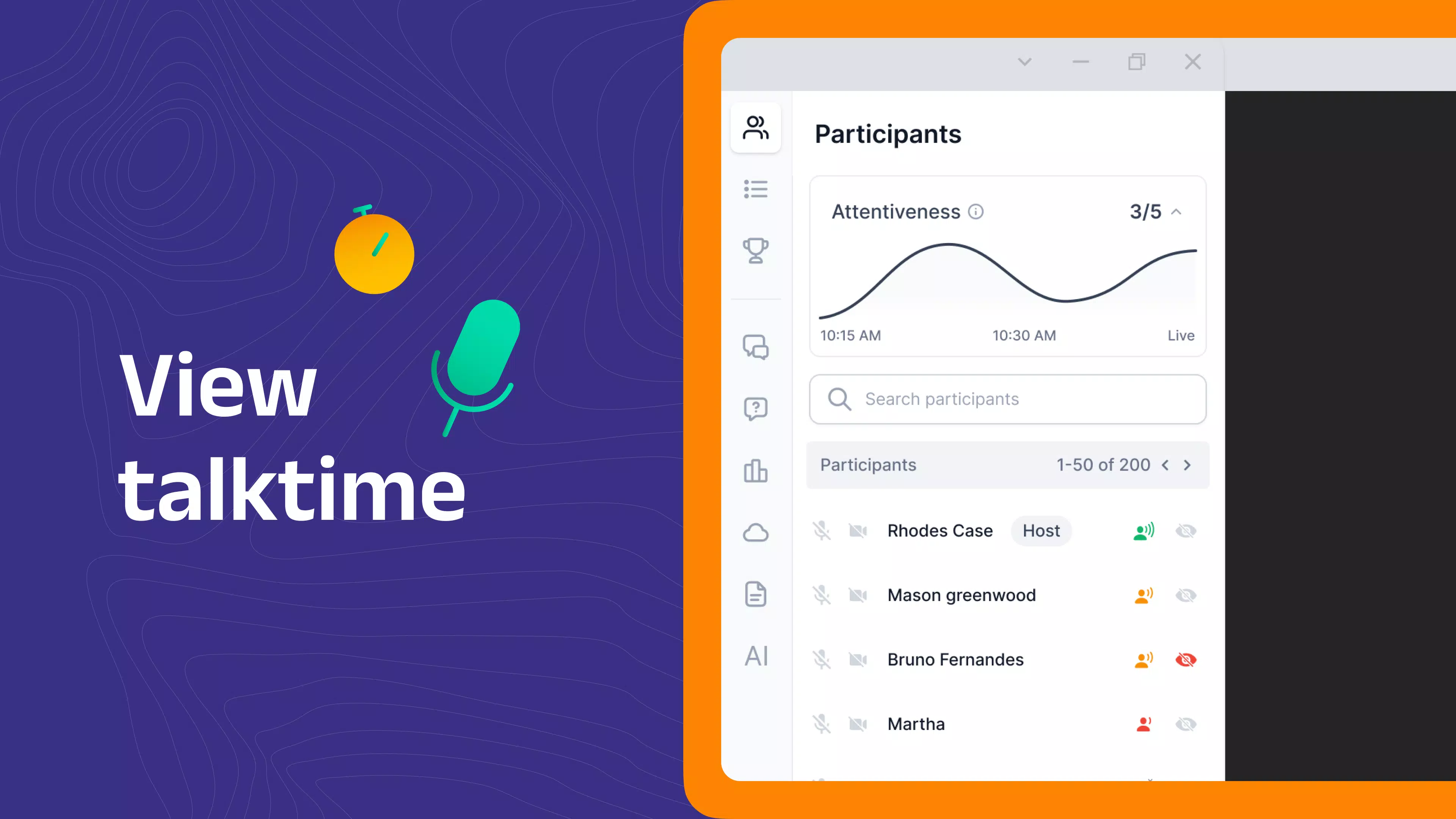
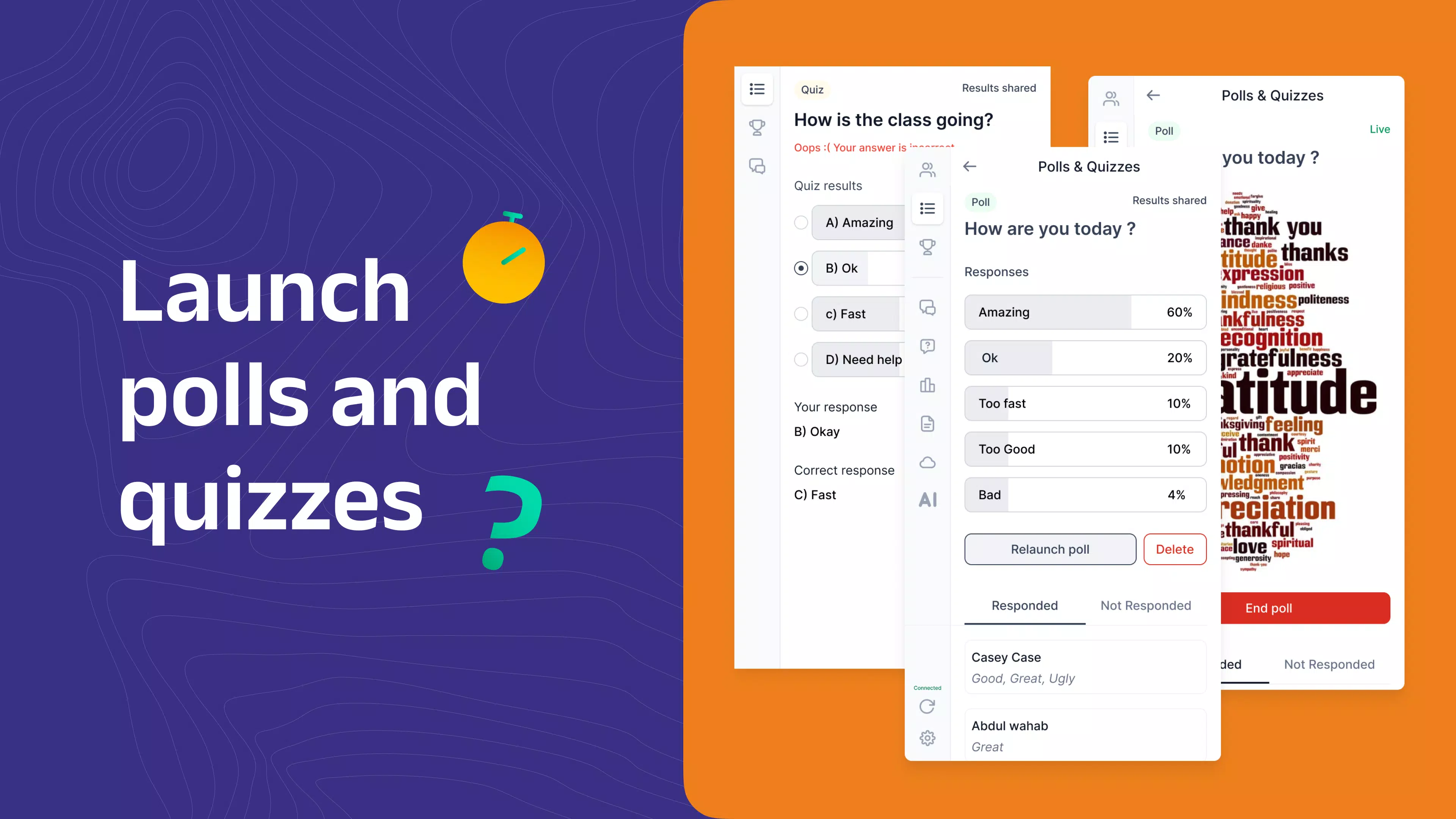
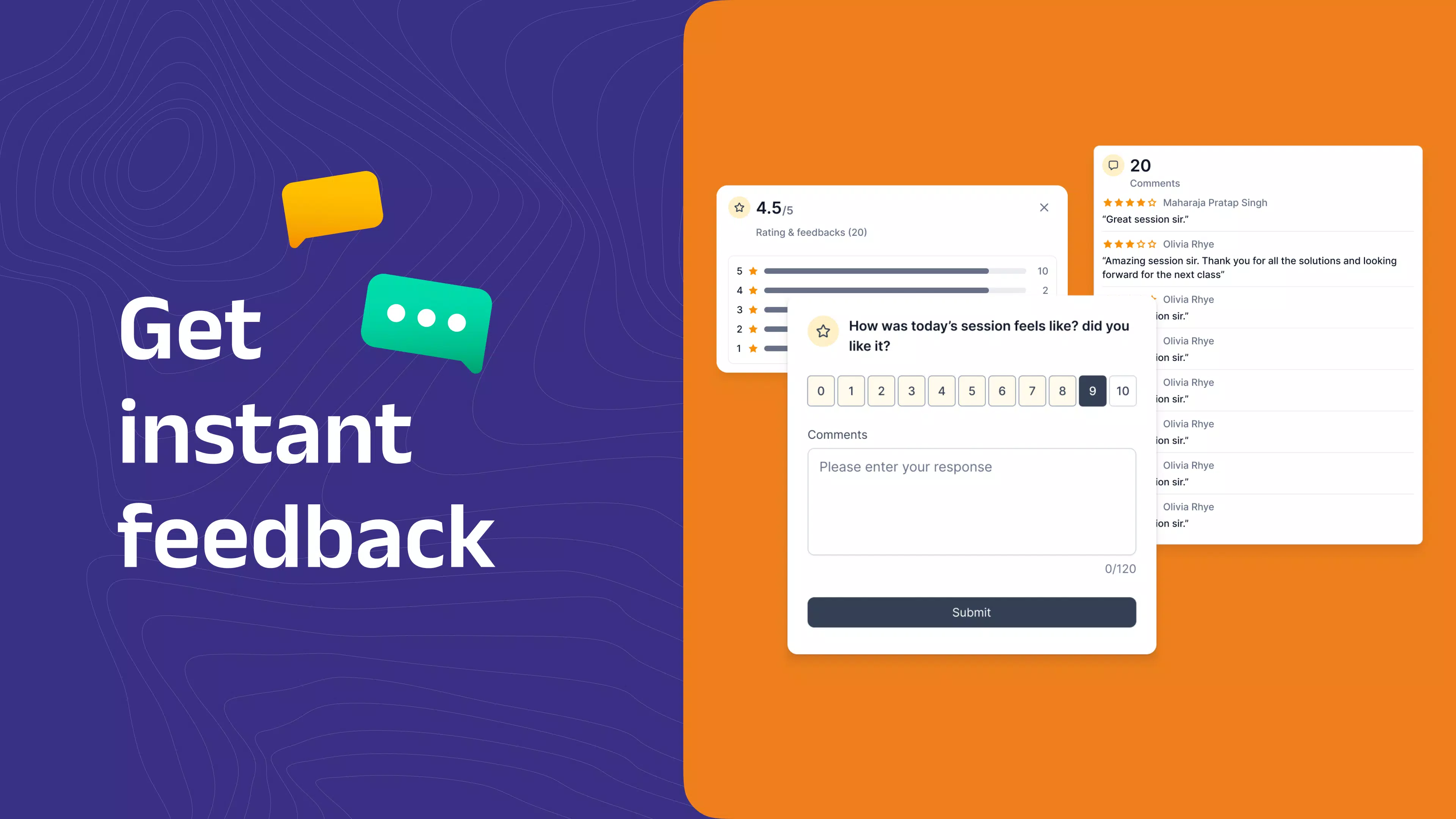
- Live Sessions with Qualified Teachers: Real-time virtual classes provide an interactive experience similar to a traditional classroom. Students can ask questions, participate in discussions, and receive immediate feedback, fostering engagement and deeper understanding.
- Internationally Recognized Curriculum: The platform follows a curriculum aligned with global academic standards, ensuring that students are prepared for future educational milestones, whether continuing in public schools, private institutions, or international programs.
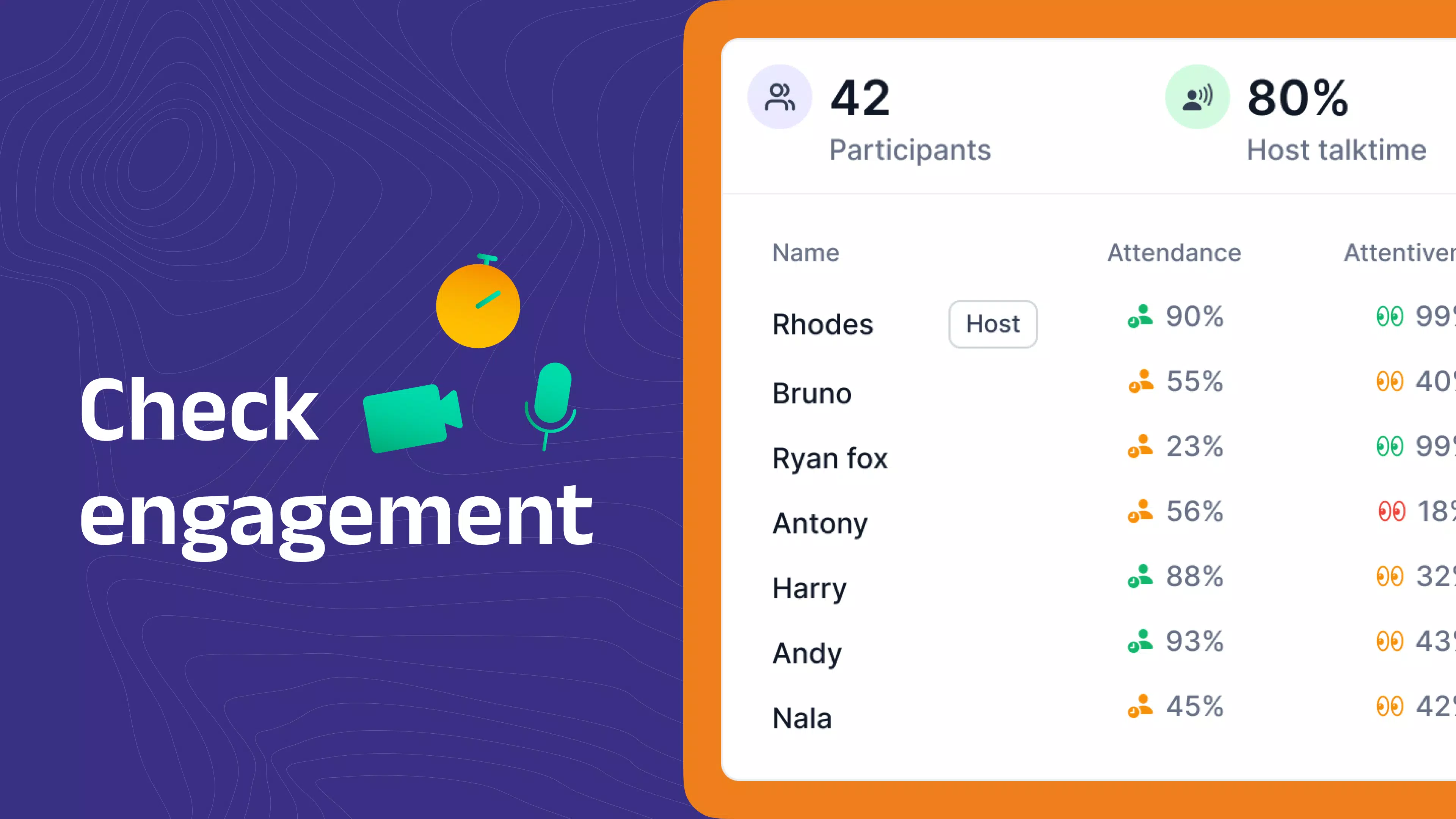
- Performance Tracking Tools: Built-in analytics allow both students and parents to monitor academic progress over time. This transparency helps identify strengths and areas needing improvement, supporting targeted learning and long-term achievement.
For example, a student in a rural area with limited access to specialized teachers can attend live math sessions with certified instructors. A homeschooling parent can use the performance tracking tools to assess their child’s progress weekly and adjust study plans accordingly. These features collectively support a dynamic, responsive, and student-centered learning journey.
Interface, UX & Performance
The user interface of K8 School is designed to be intuitive and accessible for young learners and their caregivers. The layout prioritizes clarity, with clearly labeled sections for live classes, recorded lessons, assignments, and progress reports. Navigation is streamlined, allowing users to move between key functions with minimal effort, which is essential for children who may not yet be proficient with complex digital systems.
Visual style emphasizes simplicity and readability, using age-appropriate colors and large, legible fonts to enhance usability. The app maintains a consistent design language across all screens, reducing cognitive load and helping users focus on learning content. Although the developer did not list formal performance metrics, the app’s responsiveness and stability appear to be optimized for smooth operation on standard Android devices.
Performance on different device categories is expected to be consistent, given the app’s size of 150.2 MB and its focus on core educational functions. The absence of resource-heavy animations or excessive media suggests efficient memory usage. While specific requirements were not listed, the app is likely compatible with mid-range and high-end Android smartphones and tablets. The app’s ability to support live sessions indicates a stable connection framework, though network conditions may influence session quality.
Platform Compatibility & Technical Requirements
K8 School is available exclusively on the Android platform. The current version is 1.0.0, with a file size of 150.2 MB. This indicates a lightweight yet functional application suitable for most Android devices. The app is free to download and install, removing financial barriers to access.
Although the developer did not specify minimum OS requirements or device compatibility details, the app’s initial release suggests it is designed to support a broad range of Android versions. Users are advised to ensure their device meets standard Android system requirements for app installation. The app’s availability on Android allows for widespread access across diverse regions and socioeconomic groups.
Pros and Cons
Pros
- Comprehensive K–8 curriculum with international recognition
- Free access to high-quality online education
- Flexible scheduling for learning at any time
- Live sessions with qualified instructors enable real-time interaction
- Performance tracking tools support personalized learning
Cons
- Platform availability limited to Android only
- Specific technical requirements were not disclosed
- Compatibility with older Android versions is unclear
- No information provided on offline functionality
- Developer did not share details about support channels or updates
FAQ
Is K8 School safe for children to use?
Yes, the app is designed for educational use and provides a secure environment for students. It is a fully accredited institution, which ensures that the content and interactions are monitored and age-appropriate.
Can I use K8 School without internet access?
While live sessions require a stable internet connection, some learning materials may be accessible offline. However, the developer did not specify which features support offline use.
How often are updates released?
The app is currently at version 1.0.0. No information was provided about the frequency or nature of future updates.
Is K8 School available on iOS devices?
As of now, the app is only available on Android. There is no public information about iOS availability.
Do I need to pay to access the full curriculum?
No, the app is free to download and use. All core educational features, including live sessions and performance tracking, are included at no cost.
Final Thoughts
K8 School represents a significant advancement in accessible, high-quality online education for young learners. By combining affordability, flexibility, and a globally recognized curriculum, it empowers families to take control of their children’s academic journey. The integration of live teaching and performance analytics ensures that learning remains interactive, measurable, and effective.
While platform limitations and a lack of detailed technical information may restrict some users, the app’s strengths far outweigh its current constraints. It is particularly well-suited for homeschooling families, remote learners, and those seeking a reliable digital alternative to traditional schooling.
With its focus on student success and academic support, K8 School delivers on its promise of transforming education through technology. Download K8 School now.


